

The PixelMe App

Take a photo, let AI turn it into pixel art, then finish it dot by dot in the built-in pixel editor. The app grew out of the PixelMe web converter launched in 2020 and arrived on iPhone and Android in February 2021.

Download on the App StoreGet it on Google Play

PixelMe Info

App Store name
AI Pixel Art Camera - PixelMe
Developer
Kazuya Saito (@sato_neet)
Released
iOS Feb 15, 2021 / Android Feb 2021
Latest
iOS 4.28.47 (Sep 2026)
Devices
iPhone and iPad (iOS 15.0+), Android
Price
Free (in-app purchases)
Category
Graphics & Design
Languages
14, including English, Japanese, Spanish and Portuguese
Ratings
App Store (US) ★4.6 from 880 / Google Play ★4.2 from 6,220

Ratings as shown on the stores on October 6, 2026.

What the app does

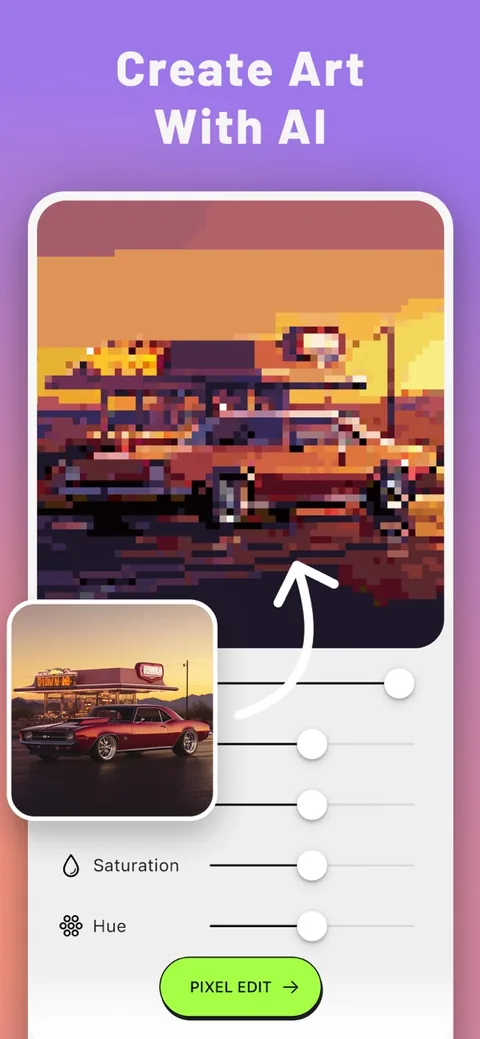
App screen converting a photo of a car into pixel art with AI

AI turns photos into pixel art

AI analyzes your photo and builds the pixel art base for you. The same photo looks very different with each filter.

Adjust hue, saturation, brightness, contrast, outline and background removal.

  • Ultra Detail
  • Fine Detail
  • Blocky
  • Retro 8-bit
  • SNES
  • Neon Glow
  • Pixel Avatar
  • Pixel Remix
  • Full Figure
  • Landscape
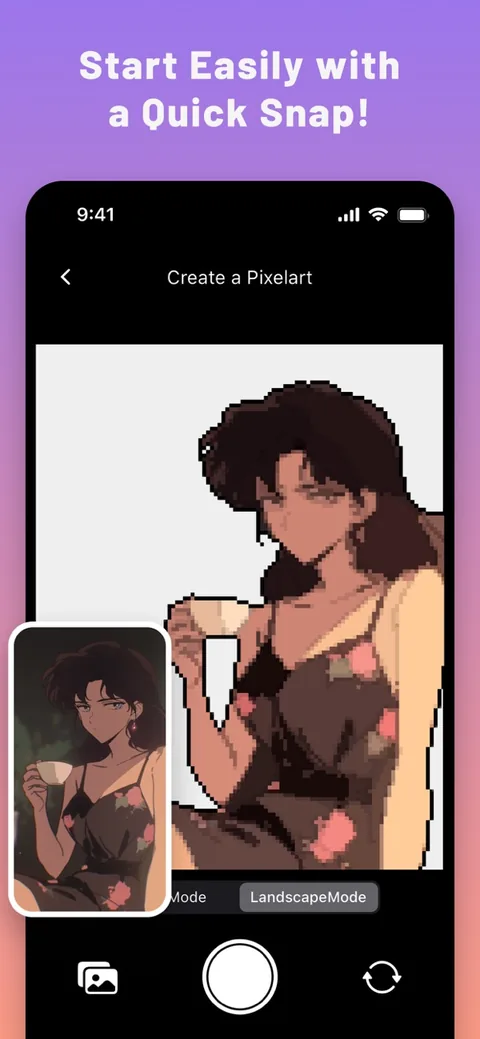
The in-app camera turning a snapshot into pixel art

Snap and convert

Shoot with the in-app camera and convert right away. Face mode finds and crops the face automatically; Landscape mode handles scenery and objects.

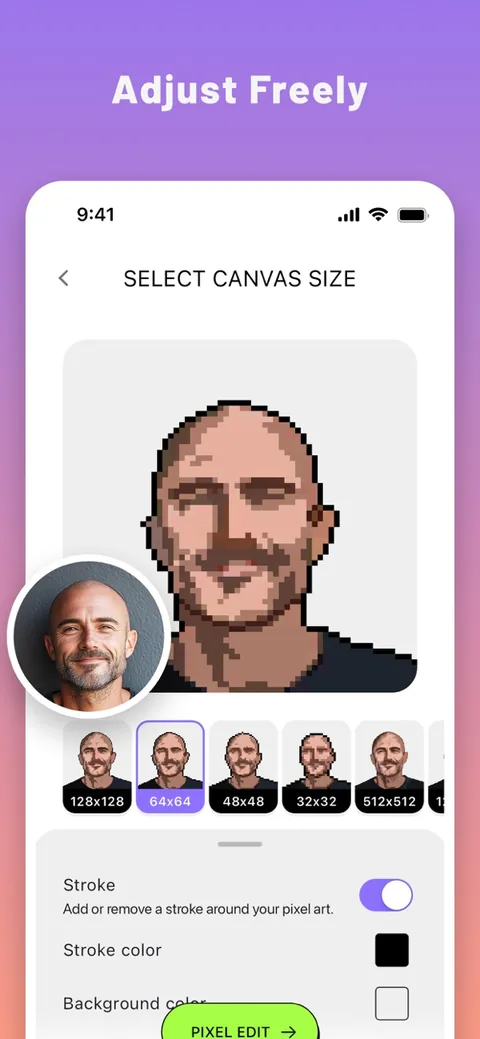
Canvas size picker showing the same face at several pixel sizes

Pick a canvas size

Choose 32, 48, 64, 128 pixels and more. Smaller sizes give a chunkier retro-game look.

Custom sizes from 4 to 512 pixels are supported (some sizes need Pro).

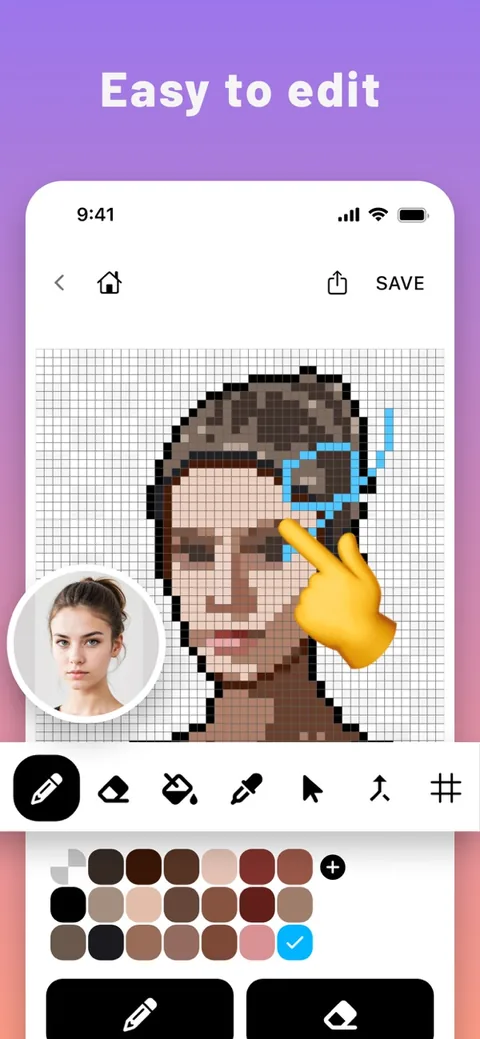
Pixel editor with pen and fill tools and a color palette

Finish it in the pixel editor

Don't stop at the AI result. With cursor drawing, your finger moves a cursor and the DRAW button places the dot, so your finger never hides the spot you are drawing.

  • Pen and eraser with adjustable size
  • Bucket fill and eyedropper
  • Undo and redo
  • Zoom, grid and horizontal flip
  • Palette: view, add and change colors, merge similar colors
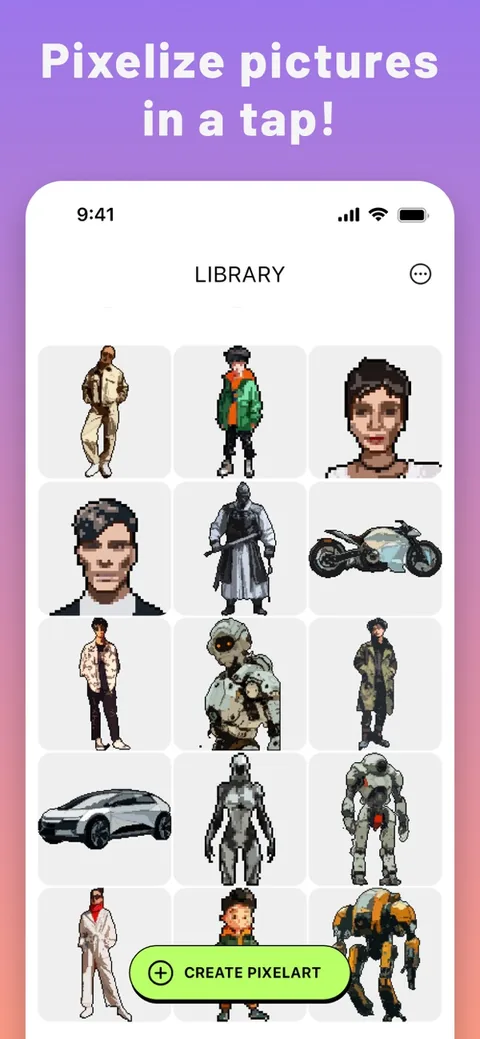
Library screen listing saved pixel art

Library

Your pixel art is saved to the library, so you can pick up editing any time.

Export and share

Save as PNG and share to social apps, or export to Aseprite (.aseprite with palette) for game development and to PDF for printing.

Pixelize: make game art editable

Without AI, Pixelize turns game assets and screenshots back into pixel art you can edit dot by dot. It detects the pixel grid automatically and keeps up to 128 colors.

Web vs app

WebApp
PriceFree, no sign-upFree (Pro available)
ConversionPhotos in several pixel sizes10 AI filters, face and landscape modes
EditingColor adjustmentPixel editor
ExportPNG, bead and cross-stitch patternsPNG, Aseprite, print PDF
Keeping your workNone (download right away)Library, editable any time

PixelMe Pro

Pro unlocks:

  • Unlimited AI conversions
  • Pro-only filters
  • No ads
  • Saving without watermarks
  • Large and custom sizes

Prices and free trials vary by store and region. Check the app for current details.

History

  1. PixelMe web converter launched
  2. iPhone and Android apps released
  3. iOS 4.28.47 released

PixelMe is made by an independent developer. The website is designed after the classic Macintosh and Kid Pix.

Download the app

Download on the App StoreGet it on Google Play